For parents and guardians
See how your child is really doing.
Not a report at the end of term. Every session, every task and every score in one place — and you decide who gets to teach them.
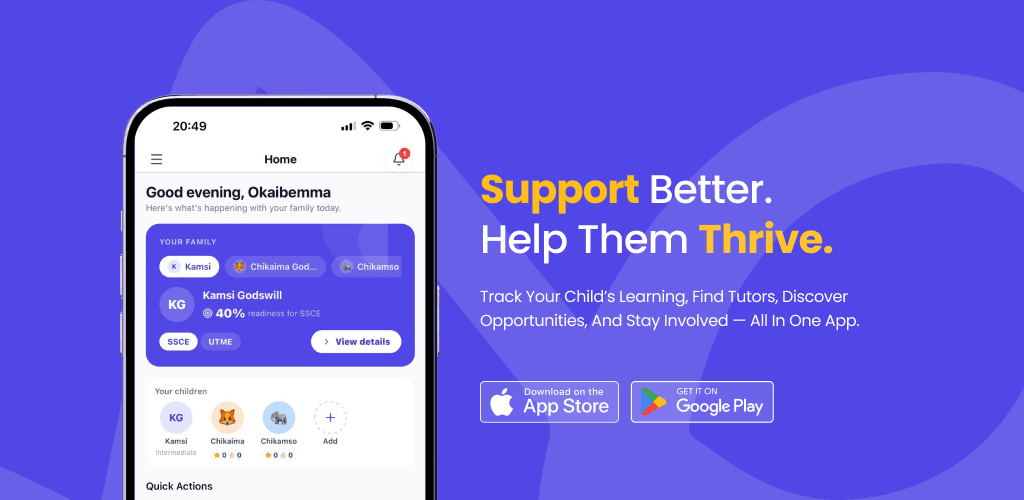
The parents app is on the App Store now. The Android version isn't out yet — we'll put the link here when it is.
Free
To create an account
You approve
Who teaches your child
One plan
Covers the family
Every session
Tracked for you
How it works
Step 1
Create your account
Free, and takes a couple of minutes. You do not need a tutor lined up first.
Step 2
Add your child
Link a child who already has a SuperPrep account, or add them and invite them.
Step 3
Approve their tutor
When a tutor or school asks to connect to your child, the request comes to you. Nothing starts without your say-so.
Step 4
Follow the work
Sessions, assigned tasks and progress all appear in your dashboard between lessons — not just at the end of term.
What you get
You approve every connection
A tutor or school wanting to work with your child sends a request that lands with you. You approve it, and you can revoke it later.
Set practice yourself
Assign your child a task on a subject and topic — questions from the bank, or ones you write — then see how they did once it is marked.
See the career they are aiming for
Ask to see the career your child is working towards. They approve the request, and it appears alongside their progress — nothing is shared without them agreeing.
Progress you can actually see
Scores, completed work and progress over time, in one dashboard — instead of asking your child how it went.
Know what was set, and whether it was done
Tasks your child's tutor assigns show up with their status, so a missed week is visible in days rather than months.
One plan for the family
A Family plan covers more than one child on a single subscription rather than paying separately for each.
See who is teaching
Every tutor connected to your child is listed, with the sessions they have run.
Common questions
Including the one about money.
Creating a parent account is free, and so is linking your child and seeing their sessions and progress. Paid plans start at ₦1,000 a month and cover your child's access to the learning content — see the pricing page for what is included at each level. If you stop paying you keep the free plan and your account; you do not lose your child's history.
Start with a free account
Add your child, approve their tutor, and see the work as it happens. You can do all of that before paying for anything.